Upload and crop mentally
Choose a well-lit picture with one main subject. Your browser reads it locally; the photo does not leave your device.
Turn a photo into a printable cross stitch chart with DMC thread numbers, symbols, stitch counts and estimated thread use. The conversion happens in your browser, so your photo is not uploaded.
Upload a picture below, or create an AI image and choose “Turn into a pattern”. Preview and watermarked PNG are available without payment. The high-resolution printable PDF is $4.99 for this exact pattern.
Your image stays in your browser. It is not uploaded.
Preview and watermarked PNG: no payment · Printable PDF: $4.99 one time.
Color data: craft-color-codes (CC BY 4.0) and beadcolors (MIT). Brand screen colors are community approximations; buy by code and compare physical beads. Perler, Hama, Artkal, Nabbi and DMC are trademarks of their owners; this site is not affiliated with or endorsed by them.
Write one clear motif such as “a sunflower in a blue jar.” AI creates a flat, stitch-friendly image first; choose “Turn into a pattern” on the result and adjust width, colors and fabric count.
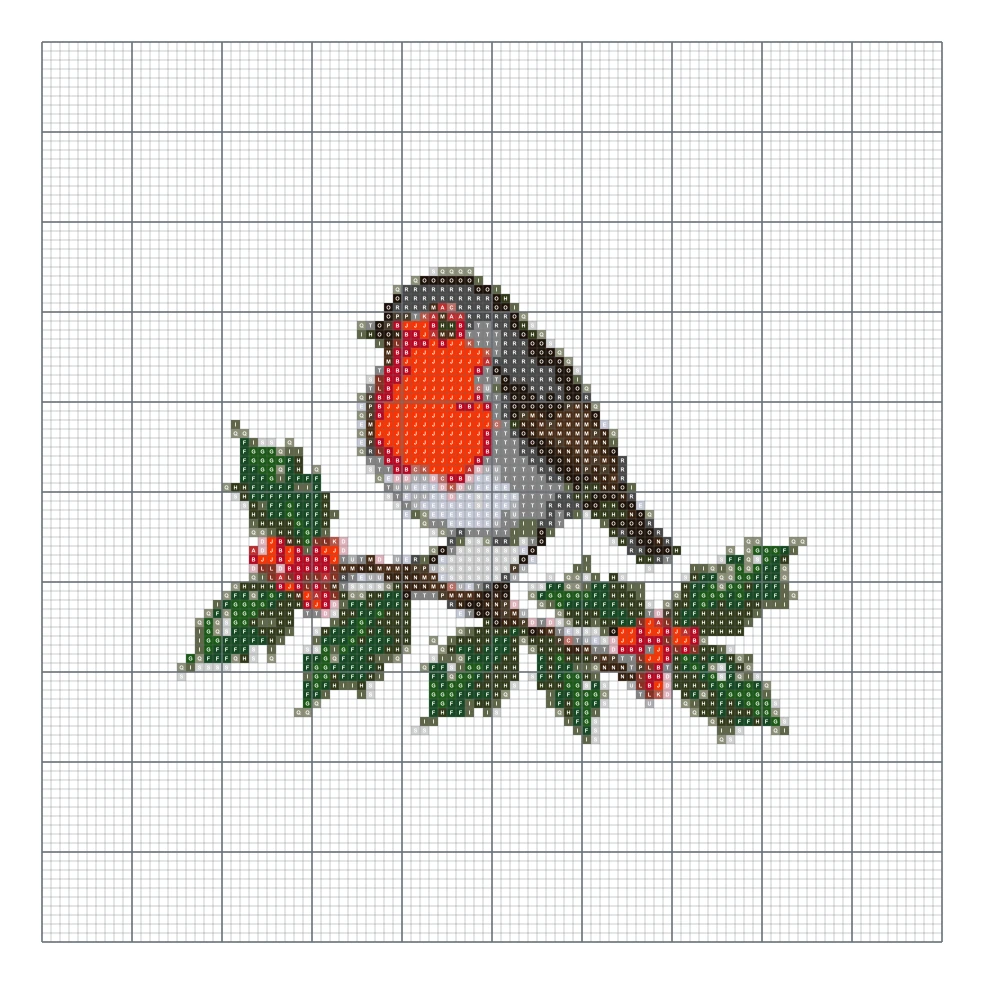
1:1 · 1K imageSample mode
Choose a well-lit picture with one main subject. Your browser reads it locally; the photo does not leave your device.
Set the width, DMC color limit and fabric count. Remove a plain background or clean isolated cells when the preview looks speckled.
Review the chart and free watermarked PNG. Buy the $4.99 PDF only when the symbols, dimensions and thread list are ready.
Open a finished design without an account. Preview and watermarked PNG are free; a printable PDF is $4.99.
100 × 100 stitches, 21 colors
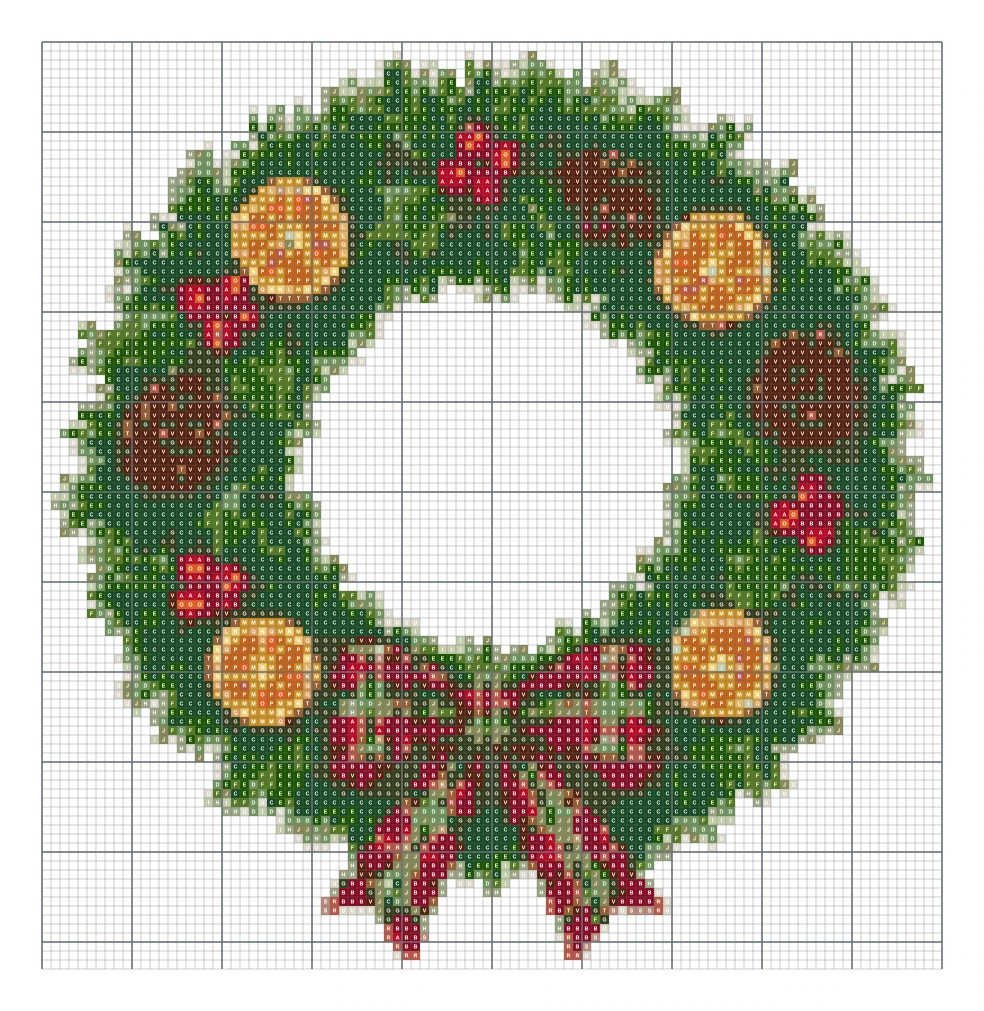
100 × 103 stitches, 22 colors
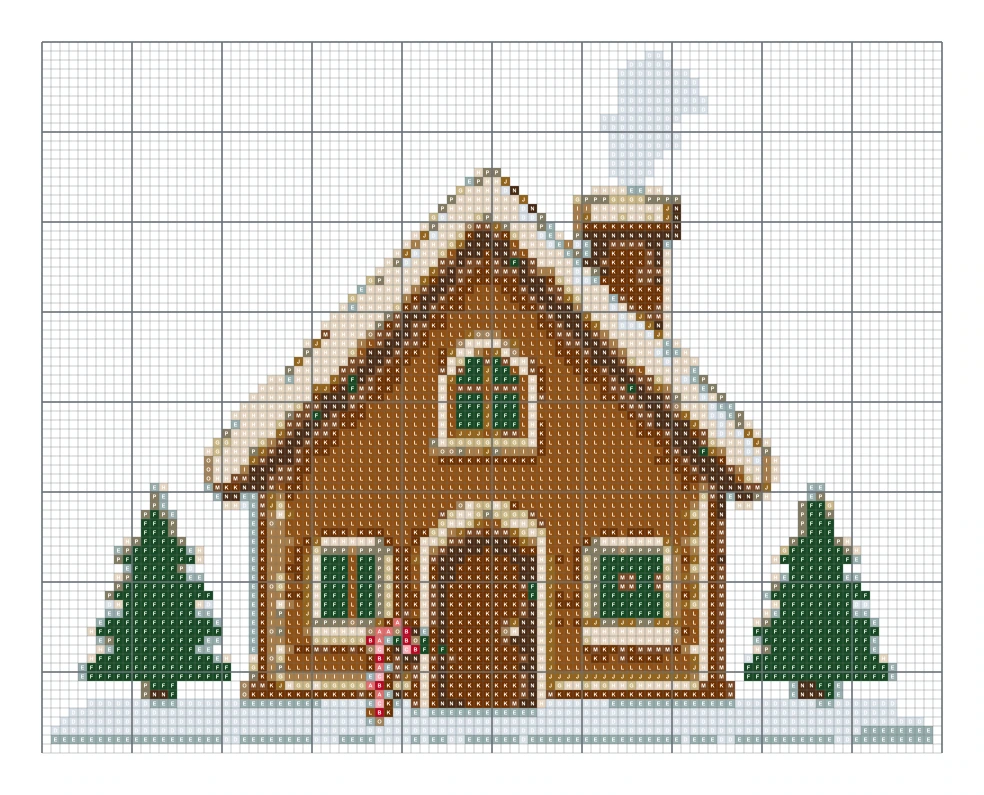
100 × 79 stitches, 16 colors
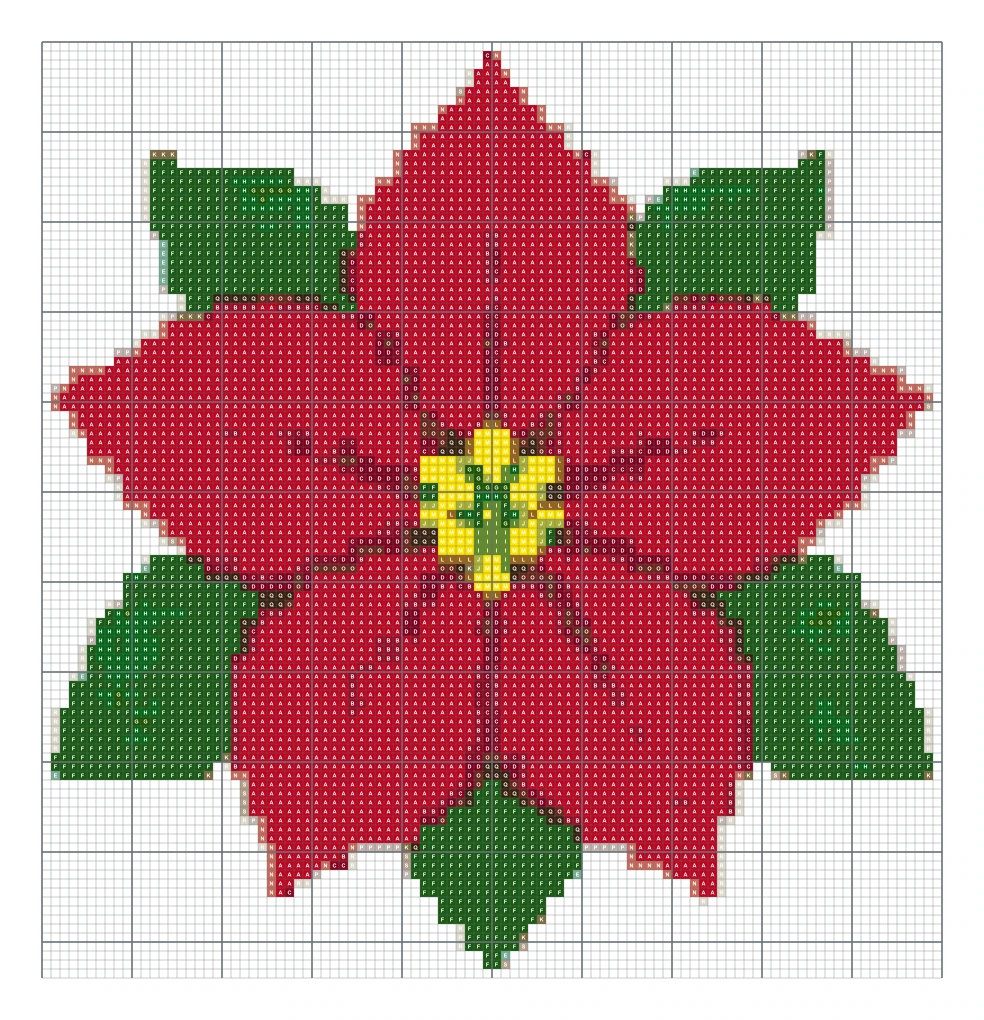
100 × 104 stitches, 19 colors
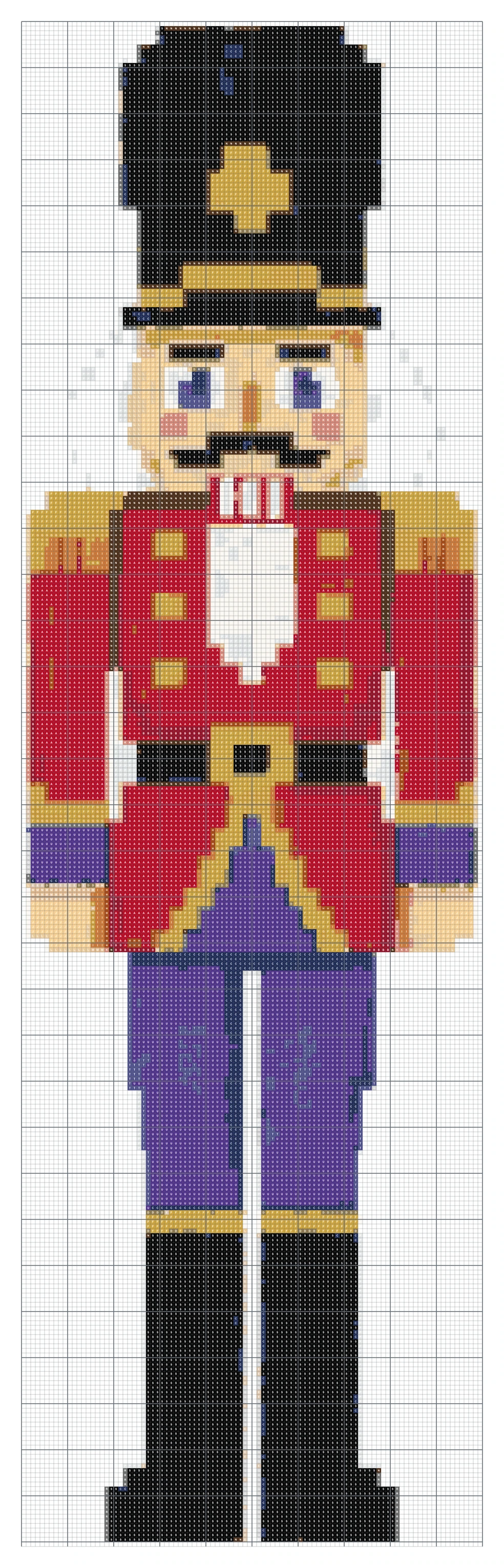
100 × 331 stitches, 21 colors
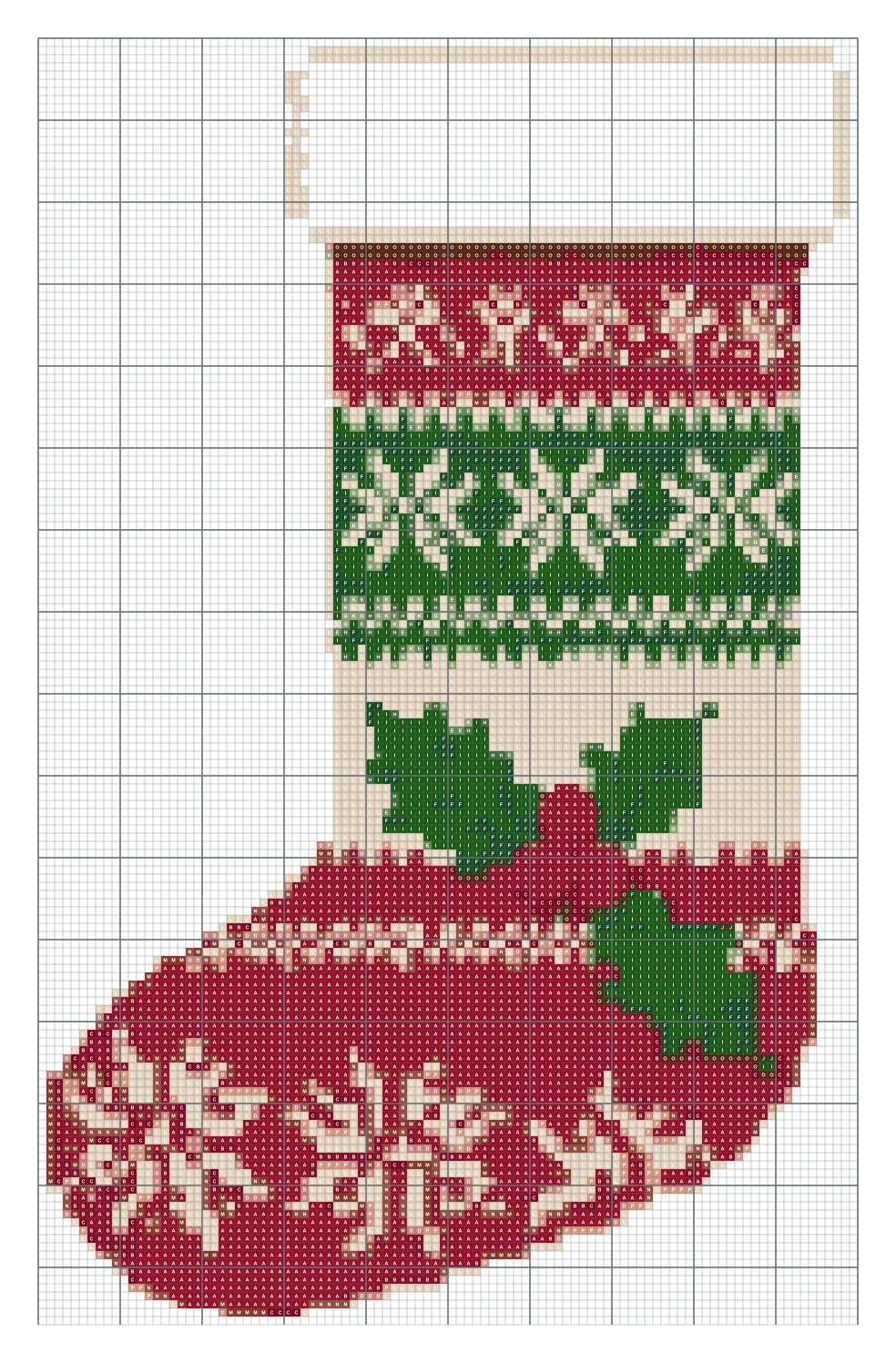
100 × 157 stitches, 16 colors
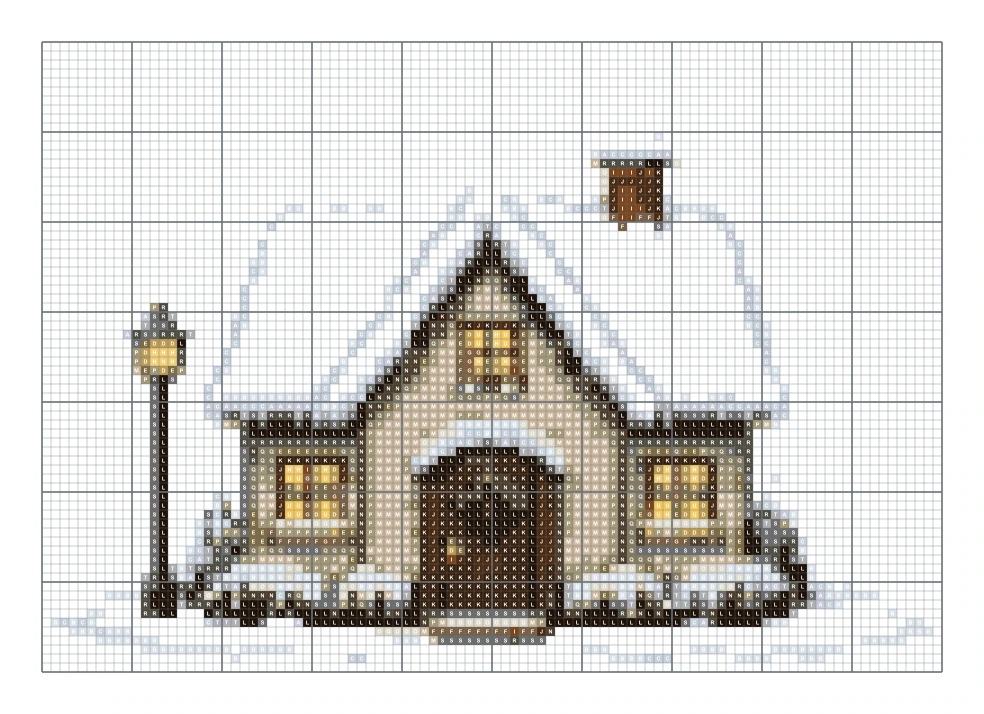
100 × 70 stitches, 21 colors
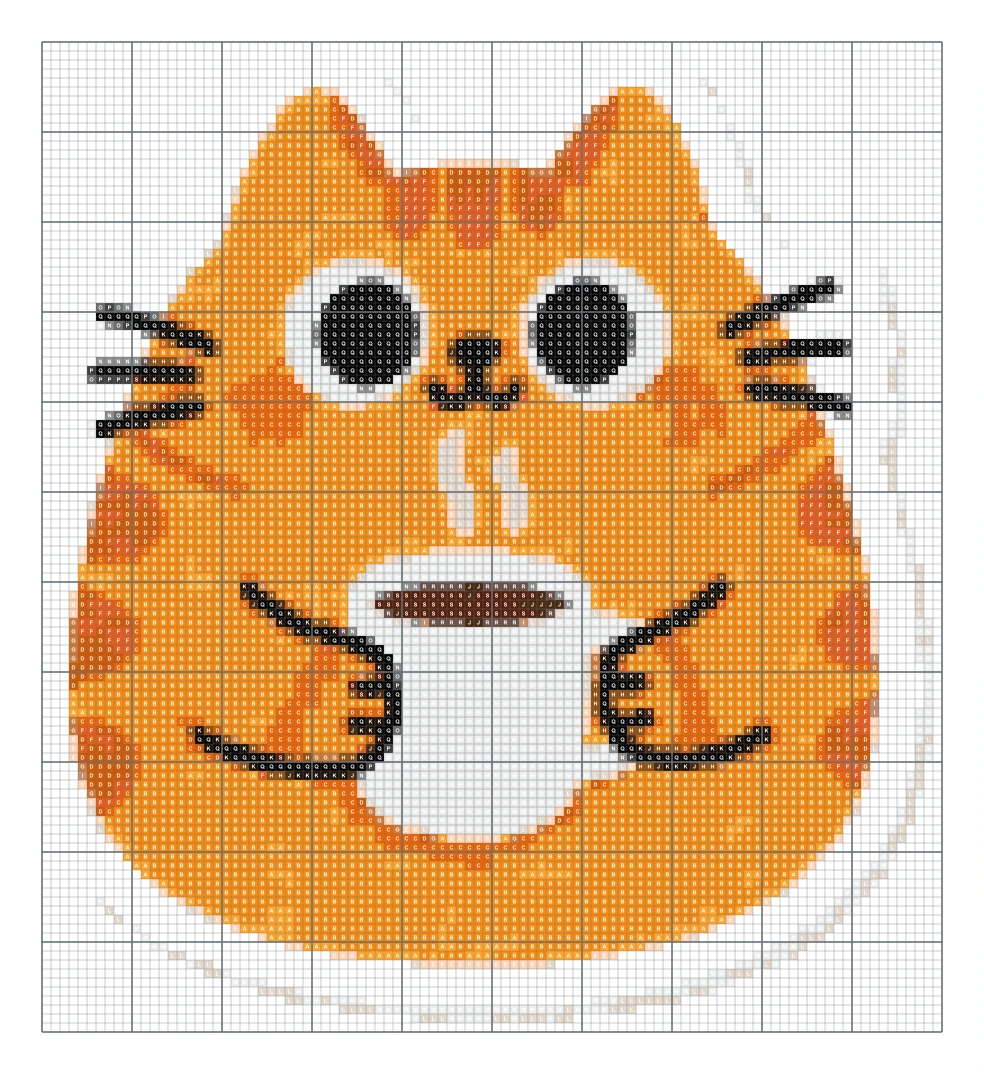
100 × 110 stitches, 19 colors
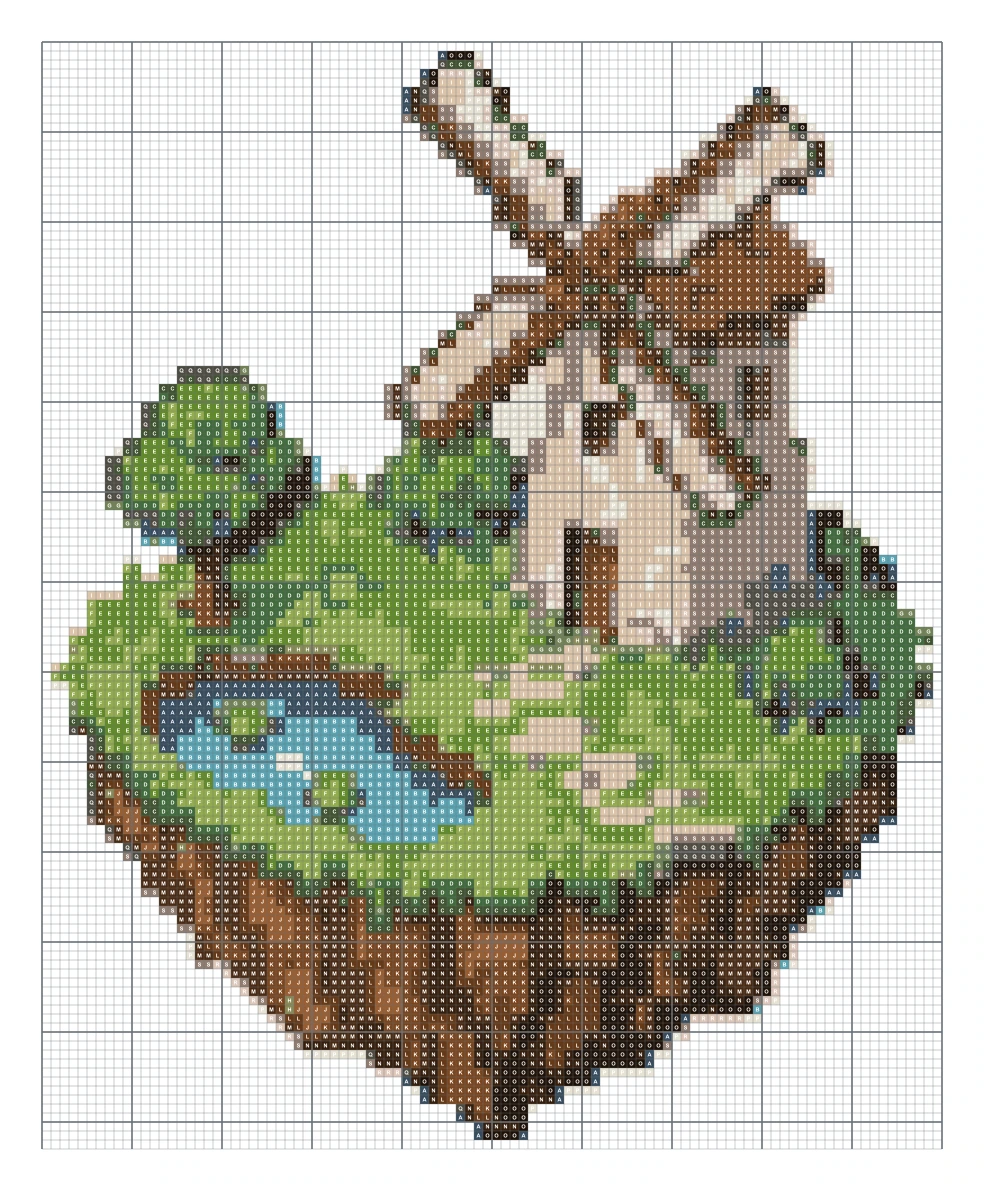
100 × 123 stitches, 19 colors
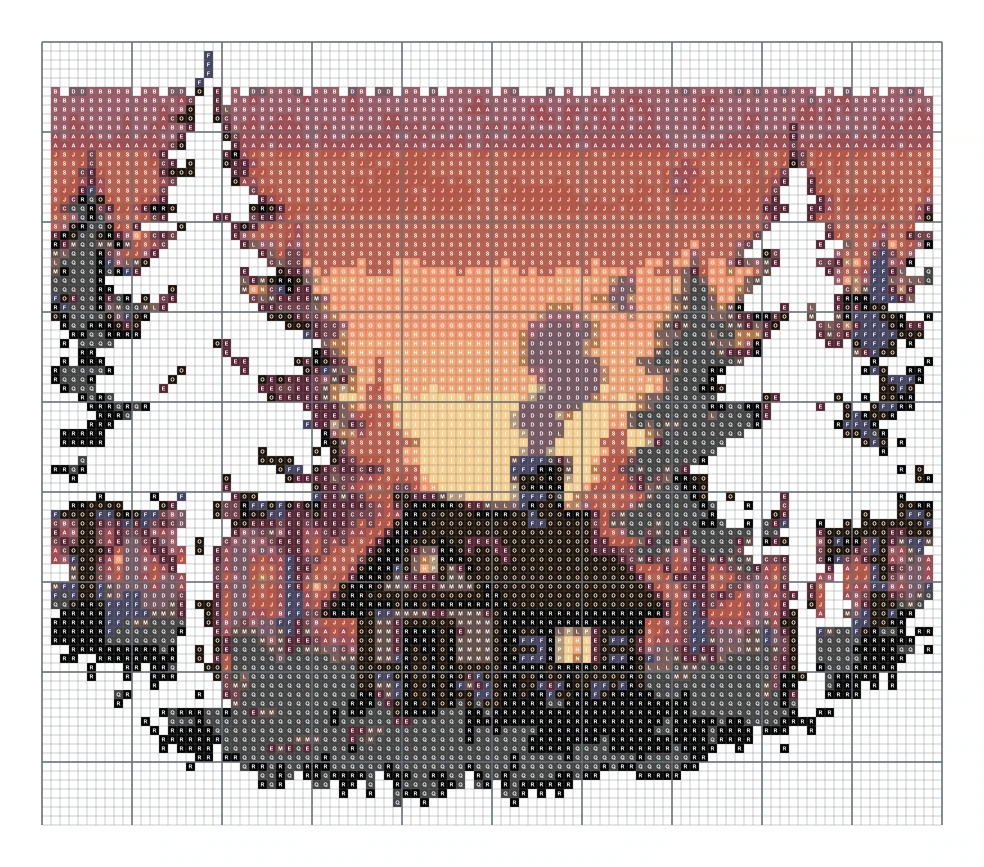
100 × 87 stitches, 19 colors
Photo to a square or round drill chart with DMC references.
Picture to a 103-color pegboard grid.
Names, dates and short phrases as downloadable charts.
Search all 489 bundled colors by number, name or family.
Also try pet portrait cross stitch or the general photo to cross stitch guide.
Upload a tightly cropped photo, choose the width in stitches and a DMC color limit, then review the symbol chart. The conversion happens in your browser without uploading the photo.
The conversion, on-screen chart and low-resolution watermarked PNG are free with no account. The high-resolution printable PDF costs $4.99 once for that exact pattern. AI images made from text use credits separately.
No. The chart is created inside your browser and the photo never leaves your device.
Divide the stitch count by the fabric count. A design 80 stitches wide on 14 count Aida is about 5.7 inches, or 14.5 cm, wide. The maker shows this for you.
Ten or fewer suit simple motifs, around twenty suits many photos, and 24 to 32 can preserve portraits or pet fur. Fewer colors mean less thread, fewer changes and less confetti.
Fourteen-count Aida is a readable general choice. Sixteen- and eighteen-count fabrics make the same grid physically smaller. The preview calculates dimensions for the selected count.
Yes. Each retained color is matched to the nearest entry in the bundled 489-color DMC reference and listed with its number, name, symbol and estimated use. Check physical thread for color-critical work.
The key uses DMC numbers. Use a conversion chart from your thread brand to find the closest match, and check it by eye.
Charts made from your own photos and ideas are yours to use. Do not chart or sell characters, logos or artwork you do not own.